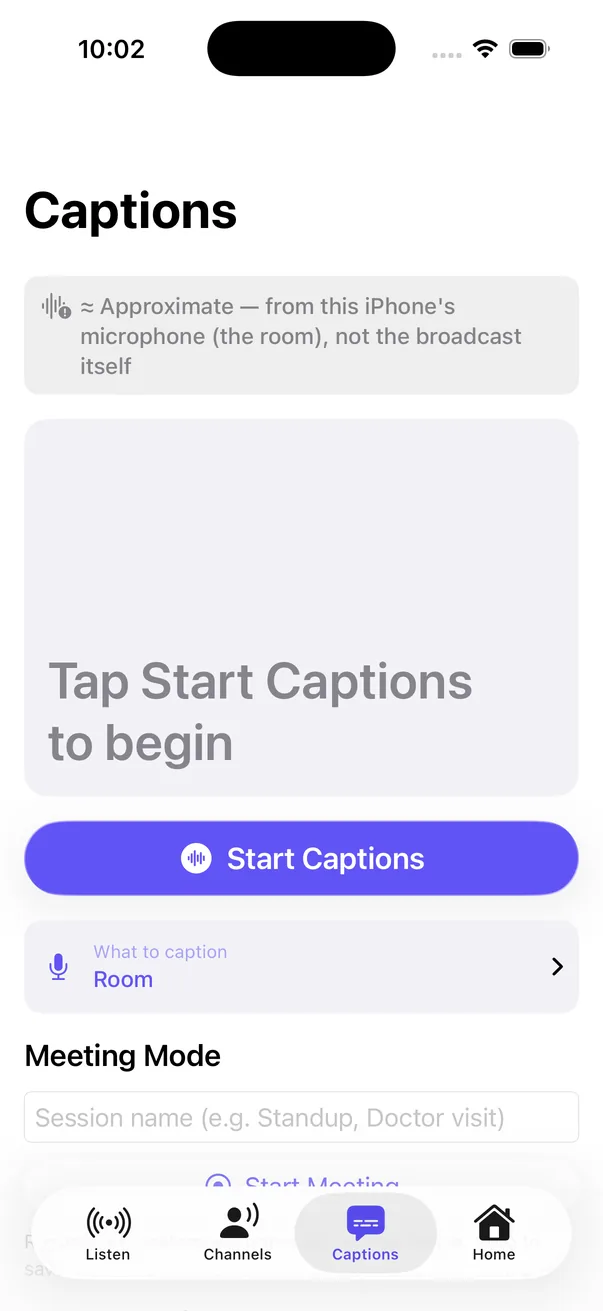
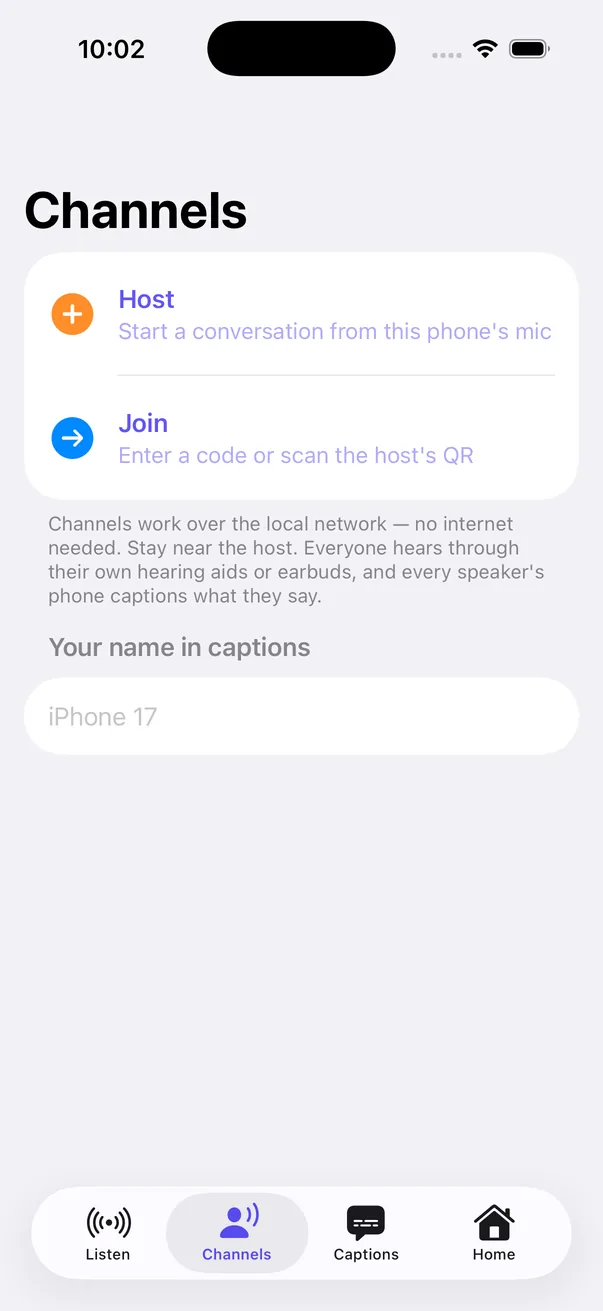
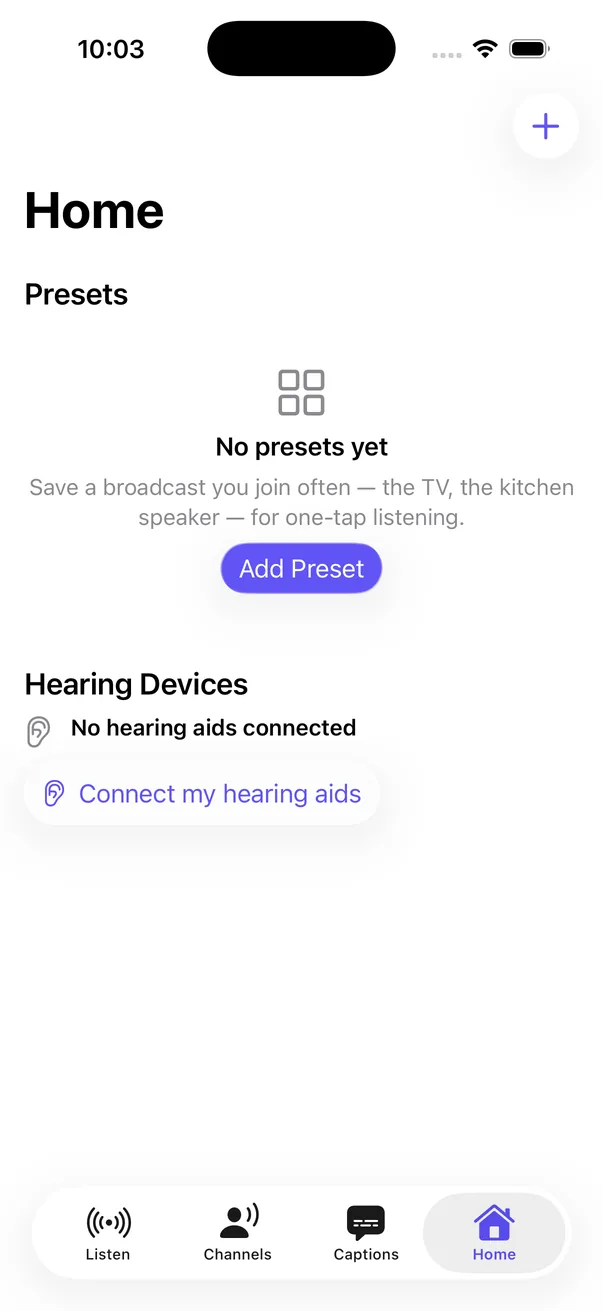
The longer version, for audiologists, hearing aid makers and transmitter makers: what the hearing aid needs, and a two-minute check.
Read the transcript
Auracast on iPhone with non-MFi hearing aids. For listeners, hearing aid makers and transmitter makers.
The phone is the remote, not the speaker. iPhone has no built-in Auracast assistant. Hearing aids can hear a broadcast, but something has to tell them which one. HearAura is that remote control: a Broadcast Assistant. Audio goes from the transmitter straight to the aids. The phone only sends the join.
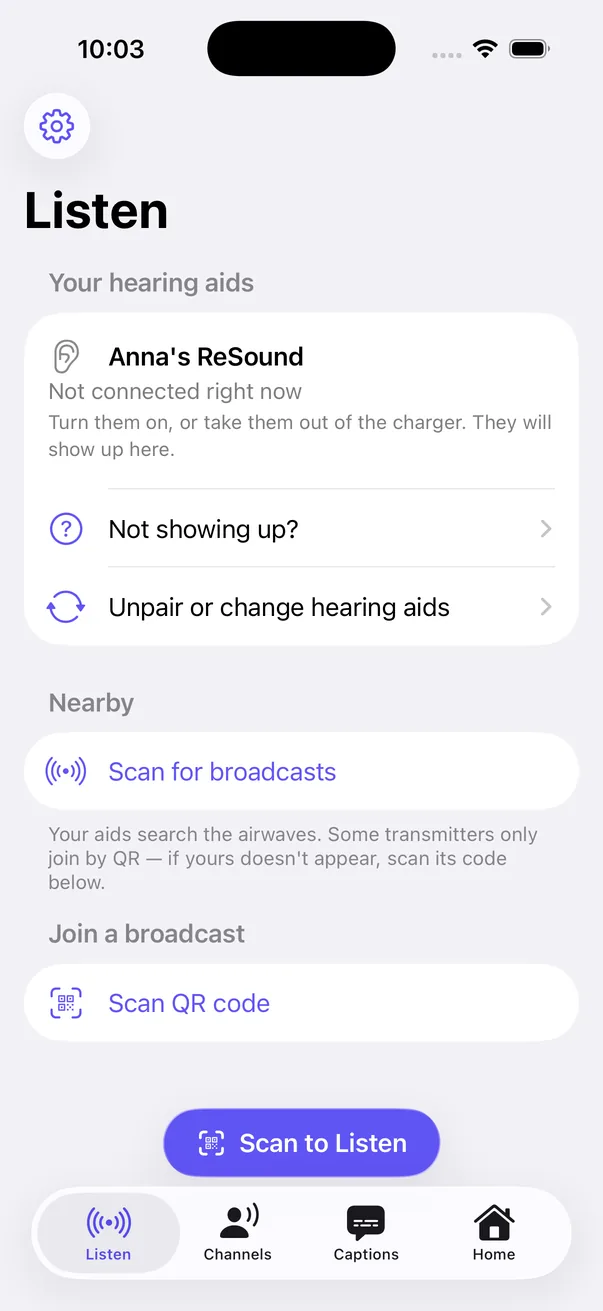
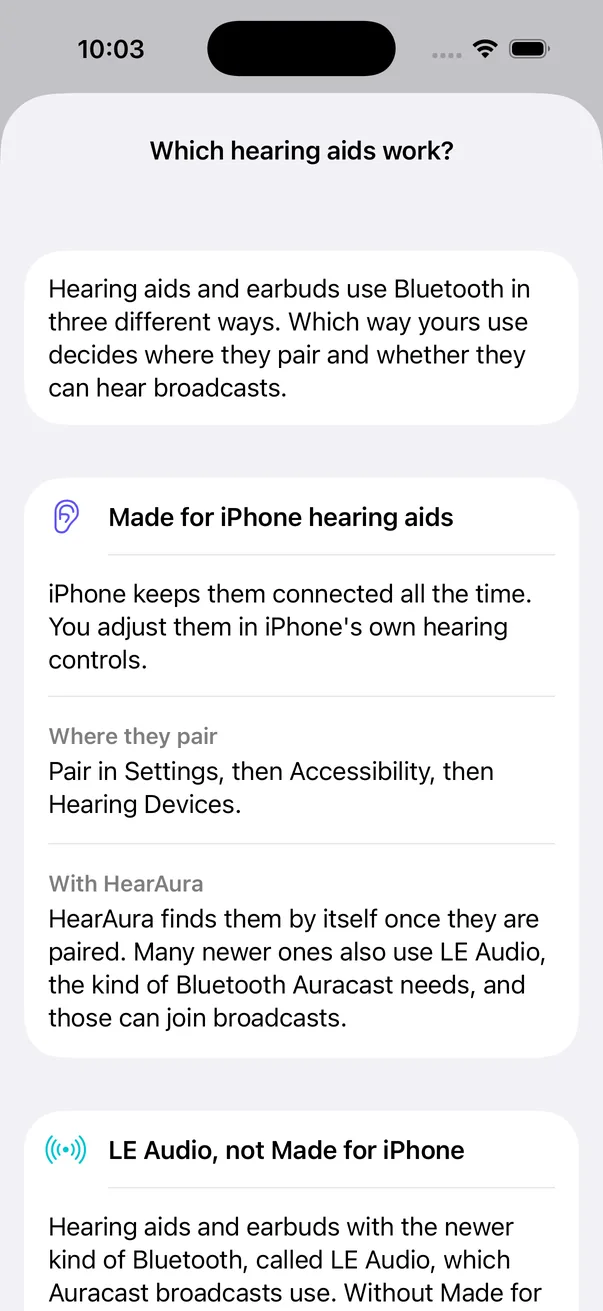
Made for iPhone (MFi) aids. Works today. iOS keeps MFi hearing aids connected. HearAura uses that link to send the join, through the standard Bluetooth Broadcast Audio Scan Service.
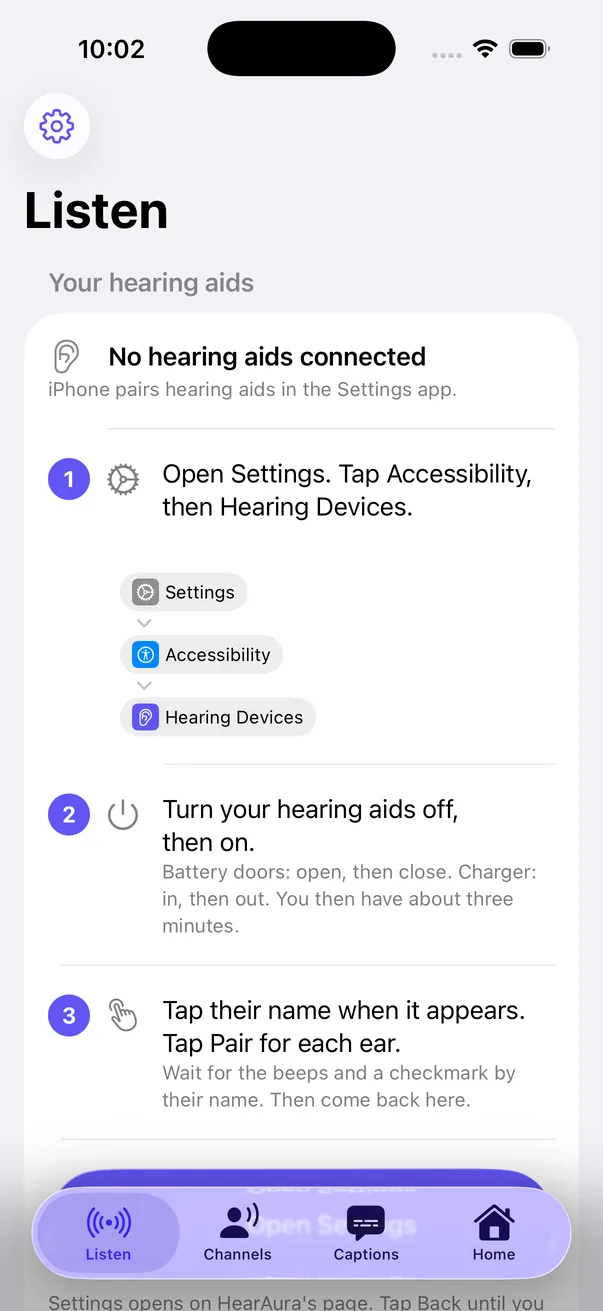
Non-MFi aids. The gap. They pair as regular Bluetooth devices, or through the maker's app. iOS does not hand HearAura a link to them. So before version 1.2, HearAura could not see them.
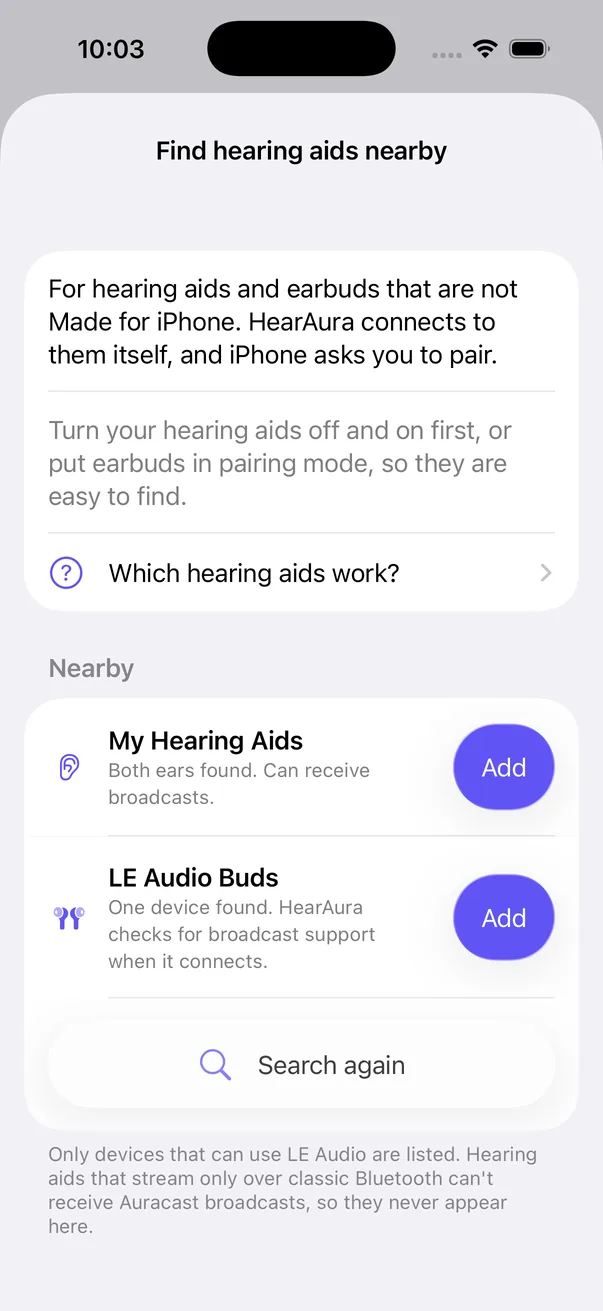
The fix: Find hearing aids nearby. New in HearAura 1.2. HearAura connects to the aids itself, over Bluetooth LE. iOS shows its normal pairing prompt. Tap Pair. Then join broadcasts and set broadcast volume, just like MFi aids.
What it looks like. HearAura lists the hearing aids it finds nearby, both ears together. Tap Add, then Pair when iOS asks.
What the hearing aid needs. Receives Auracast (it is an LE Audio broadcast sink). Offers the Broadcast Audio Scan Service (0x184F) to a phone over Bluetooth LE. Accepts an LE connection from a second app, alongside the maker's app. Aids that only stream over classic Bluetooth cannot hear Auracast at all. No app can change that. For them: an Auracast receiver neckloop or dongle.
A two-minute check for manufacturers. Install nRF Connect on an iPhone. Scan, and connect to the hearing aid. Look for service 0x184F, Broadcast Audio Scan. Present: HearAura can drive it. Missing: the firmware needs to expose it. It is the standard Bluetooth SIG service that Android and Samsung's built-in assistants already use.
Tell us which models. Send us the hearing aid model names your users have, and we'll check what they support. support@hearaura.app, hearaura.app.